


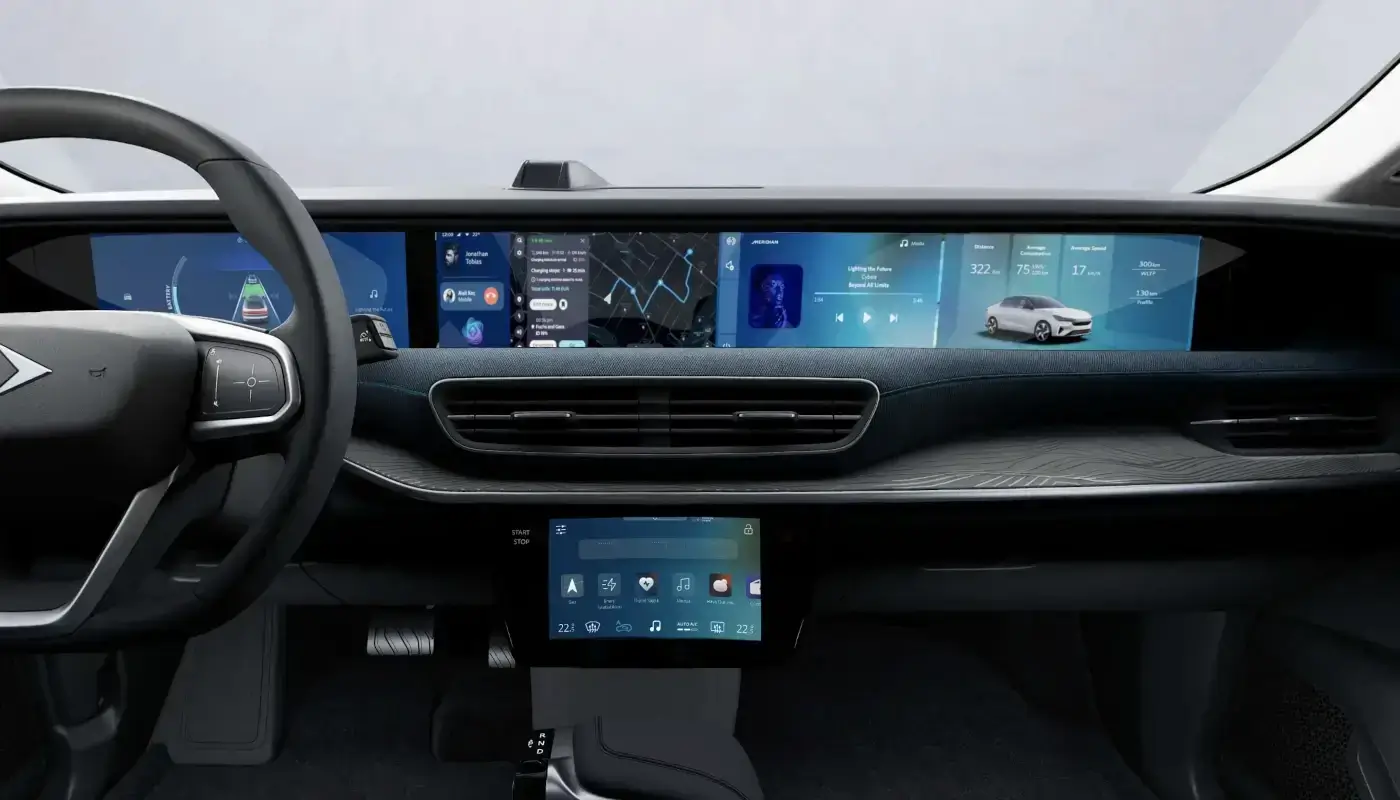
Togg smart devices, rapidly increasing in number on Turkish roads, continue to evolve with software updates. The company announced the new version of the TruOS operating system, named "T10F Version," via a post on its official social media accounts. According to the official statement, Togg management is focusing on speed, compatibility, user-friendliness, and efficiency in this new package. Meanwhile, users are eagerly awaiting whether some chronic issues frequently raised on forums will be resolved with this update.
Questions Togg T10F Users Are Wondering: Are the Battery and Screen Issues Ending?
There are two main complaints most frequently voiced by Togg owners on digital platforms. The first is the issue of the 12V battery suddenly draining while the vehicle is parked. The second is the problem of multimedia screens blacking out or the interface freezing while driving.
The company has not yet made an official or specific announcement stating that these issues have been completely resolved in the promotional materials released. However, Togg clearly states that one of the main focuses of the new update is a more efficient and faster system. Therefore, we anticipate that this software package, which increases energy efficiency, will optimise background power management. We hope that the battery drain issue will thus be largely reduced. Furthermore, the emphasis on a faster and more responsive interface gives strong signals that screen crashes and freezes can be prevented. Whether the update definitively resolves these issues will be seen directly from user feedback after the package is installed on the vehicles.
[Update] Togg Operating System TruOS Update - List of Changes for T10F
It has been reported that the TruOS OTA update specific to the Togg T10F has begun distribution. According to a post by the Togg Team Türkiye account, which is followed by a wide audience of Togg users on X, the following changes are included with the Togg T10F TruOS update:
- Faster and more responsive infotainment system
- Driver drowsiness detection and face recognition performance improvement
- One-touch mute for voice alerts
- Automatic charging feature
- PIN-less user login
- Revamped TruStore interface
- Automatic radio station update
- Sound system, bluetooth, and application performance improvements
- Full-screen mode for the Gez navigation application
- Internet connection performance improvements
- Image quality improvements for the 360° camera
- Climate scheduling feature
- Profile photo upload feature
- Software improvements for braking and handling functions
- Battery management system performance improvements
- Keyless entry and locking performance improvements
- Steering system software improvements
- Lighting functions performance improvements
- Energy and charging system performance improvements
- Merged camera and cabin monitor applications within the AI Camera app
Togg Operating System Update Order: How Are OTA Packages Distributed?
When a new TruOS version is announced, many users expect to see the download button immediately on their vehicle. However, Togg management follows a very clear distribution strategy to prevent potential server congestion and to test software stability gradually.
According to the official statement from the company, the new TruOS update is being distributed directly according to the order in which vehicles are delivered. This means that users who received their Togg vehicles first will be the first to download the update, while those who received their vehicles more recently will receive the notification later. Therefore, depending on the date you received your vehicle, the notification may appear on your screen a few days or a few weeks late. There is no need to worry during this process; you can continue to use your vehicle safely in your standard daily routine.
Step-by-Step Guide: How to Install the TruOS Update on Togg?
When the "New software update available" notification appears on your vehicle's screen, you need to follow some critical steps to complete the process successfully. An incorrect installation procedure can lead to temporary system lock-up. Here are the basic rules to follow during the update:
- Check the Charge Level: Before starting, make sure the main battery charge level of your vehicle is above 30 percent.
- Ensure a Strong Internet Connection: Be in an area where the vehicle's cellular data (4G/LTE) signal is strong. If the connection is weak in an underground car park, move the vehicle to an open area.
- Safe Parking and Gear Position: Park the vehicle in a safe spot, shift the gear to "P" (Park), and activate the electronic parking brake.
- Exit and Lock the Vehicle: After pressing the "Install Now" button on the screen, exit the vehicle and lock the doors from the outside. During the process, screens may turn off and on, and headlights may flash. Do not attempt to open the doors at this time.
With these OTA updates, Togg is transforming its cars into continuously evolving smart devices. In the coming days, with the TruOS T10F version being installed on vehicles, the system's real performance will be tested directly by Togg drivers. The brand continues to take the customer experience to the next level with these software-based innovations.
Note
If you have any photos or video footage to support our news story, please share them with us using the information provided on our contact us page.
